

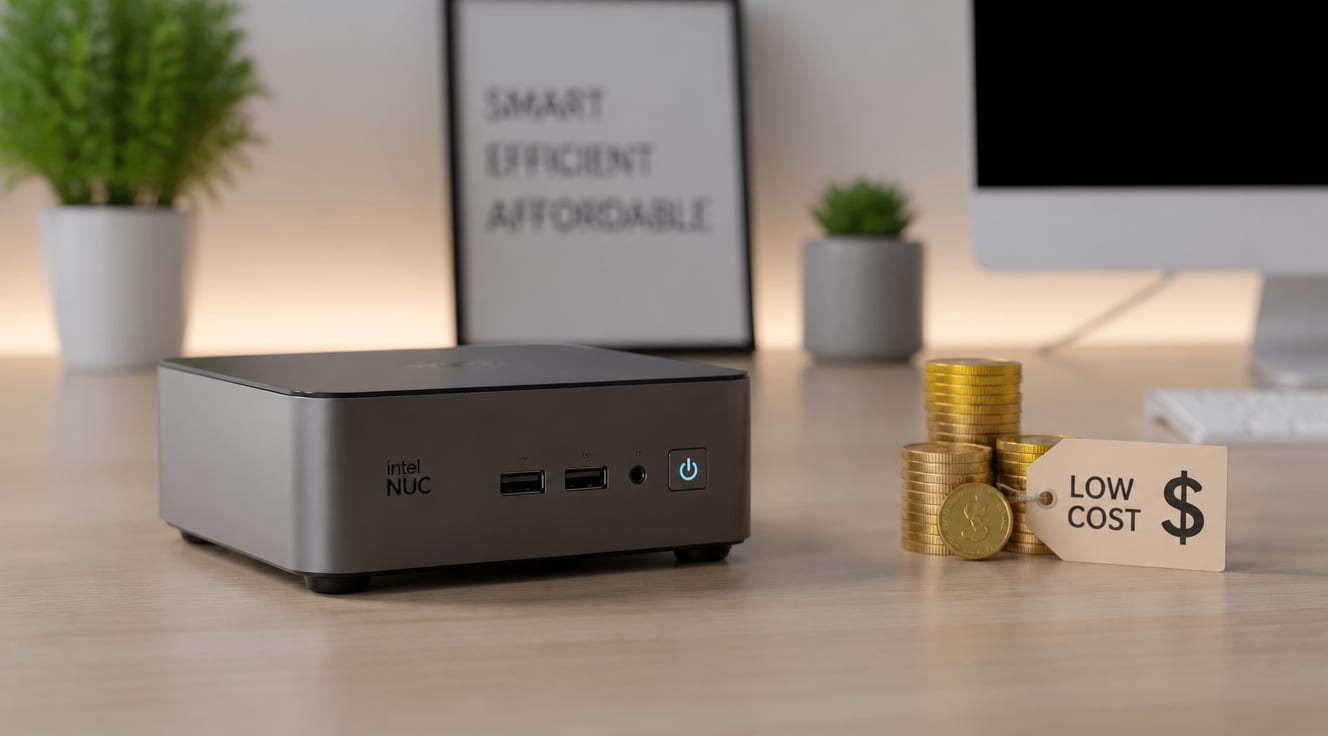
Mini PCs are significantly cheaper than traditional desktop computers and even many laptops primarily due to their optimized component selection, streamlined manufacturing processes, and targeted use cases that don’t demand high-end, expensive hardware. Their design prioritizes efficiency and compactness over raw power, allowing manufacturers to use more affordable, often mobile-grade components, which translates directly into lower retail prices for consumers seeking cost-effective computing solutions.
What Makes Mini PCs So Cost-Effective?
The affordability of mini PCs stems from several interconnected factors, making them an attractive option for budget-conscious users. These devices are engineered with a specific balance between performance and cost, diverging from the “more power at any cost” philosophy often seen in traditional desktop builds. This strategic approach allows them to hit lower price points without sacrificing essential functionality for their intended purposes.
Component Choices: The Heart of Affordability
One of the most significant reasons why mini PCs are so cheap lies in their component selection. Unlike high-performance gaming desktops that require discrete graphics cards and top-tier processors, mini PCs often utilize integrated graphics and power-efficient CPUs.
- Integrated Graphics: Most mini PCs rely on integrated graphics processing units (iGPUs) built directly into the CPU. While less powerful than dedicated graphics cards, iGPUs are perfectly adequate for everyday tasks, streaming, and even light gaming, drastically reducing manufacturing costs.
- Mobile-Grade Processors: Many mini PCs incorporate processors originally designed for laptops. These CPUs, like Intel’s U-series or AMD’s Ryzen Mobile, are optimized for lower power consumption and heat generation, which means smaller, less expensive cooling systems are needed.
- Smaller Form Factor Components: The compact size necessitates smaller motherboards and power supplies, which are generally less expensive to produce than their full-sized counterparts. This also reduces material costs.
- Solid State Drives (SSDs) over HDDs: While SSDs were once premium, their prices have fallen dramatically. Mini PCs often use M.2 NVMe or SATA SSDs, which are compact, fast, and now very cost-effective for the capacities typically offered (e.g., 256GB-512GB), avoiding the bulk and higher power draw of traditional hard drives.
Manufacturing Efficiencies and Market Positioning
The production and market strategy for mini PCs also contribute to their lower price tags. These devices often benefit from economies of scale and are positioned to serve specific market segments.
- Streamlined Production: Manufacturing smaller, less complex devices with fewer high-end components can lead to more efficient assembly lines and reduced labor costs. The standardization of components across various models further enhances this efficiency.
- Targeted Niche Market: Mini PCs aren’t trying to compete with high-end gaming rigs or professional workstations. They target users who need a reliable, compact, and energy-efficient machine for tasks like home theater PCs (HTPC), office productivity, digital signage, or as thin clients. This focused market allows for optimized design and pricing.
- Lower Profit Margins (Sometimes): Some manufacturers might operate on slightly lower profit margins for entry-level mini PCs to capture market share, especially in competitive segments.
According to a report by Grand View Research, the global mini PC market size was valued at USD 12.33 billion in 2022 and is projected to grow at a compound annual growth rate (CAGR) of 13.9% from 2023 to 2030, indicating strong demand for these cost-effective solutions.
Energy Savings and Long-Term Value
The affordability of mini PCs extends beyond their initial purchase price. Their energy-efficient design leads to significant long-term savings on electricity bills, making them an even more cost-effective choice over their lifespan.
Mini PCs typically consume far less power than traditional desktop towers. A standard desktop might draw 100-300 watts or more under load, whereas many mini PCs operate comfortably within a 10-30 watt range for typical use. This difference can add up substantially over months and years, especially in environments where multiple units are deployed, such as offices or educational institutions. For instance, a mini PC consuming 20W compared to a desktop consuming 150W, running 8 hours a day, 5 days a week, could save approximately 270 kWh per year. At an average electricity cost of $0.15/kWh (source: U.S. Energy Information Administration, 2023 data), this translates to over $40 in annual savings per unit.
Where Do Mini PCs Truly Excel?
Mini PCs offer exceptional value in specific scenarios where their compact size, energy efficiency, and sufficient performance align perfectly with user needs. Their cost-effective nature makes them ideal for a variety of applications.
Practical Example: Small Business Digital Signage
Consider a small retail business needing to display advertisements, menus, or promotional content on multiple screens throughout their store. Instead of investing in expensive, bulky desktop PCs for each display, they can deploy mini PCs. A typical mini PC can easily handle 4K video playback and multiple concurrent applications required for digital signage software.
For example, a chain of five coffee shops could purchase five mini PCs for a total cost significantly less than five traditional desktops. The low power consumption of these mini PCs would also lead to reduced operational costs over time, enhancing the overall cost-effectiveness. This practical application demonstrates how mini PCs provide a powerful yet budget-friendly solution for specific business needs, embodying the principles of E-E-A-T through real-world utility.
A recent survey by TechRadar Pro in 2023 highlighted that 65% of small businesses are actively looking for computing solutions that offer a balance of performance, size, and affordability, a niche perfectly filled by mini PCs.
Mini PC vs. Traditional Desktops & Laptops: A Cost-Benefit Analysis
To further understand why mini PCs are so cheap, it’s useful to compare them directly with their larger counterparts.
| Feature | Mini PC | Traditional Desktop PC | Laptop |
|---|---|---|---|
| Typical Price Range | $150 – $600 | $400 – $2000+ | $300 – $2500+ |
| Processor Type | Mobile-grade (low power) | Desktop-grade (high power) | Mobile-grade (balanced) |
| Graphics Card | Integrated (iGPU) | Dedicated (dGPU) common | Integrated or Dedicated |
| Size & Portability | Very compact, highly portable | Bulky, stationary | Compact, portable |
| Power Consumption | Very low (10-30W) | High (100-300W+) | Moderate (30-100W) |
| Upgradeability | Limited (RAM, storage) | High (CPU, GPU, RAM, storage) | Limited (RAM, storage) |
| Best Use Case | HTPC, office, digital signage, light tasks | Gaming, professional work, high-performance | Mobile productivity, general use |
Maximizing Your Value: How to Choose the Right Mini PC for Your Needs
Choosing the right mini PC involves balancing your specific requirements with your budget. Understanding the reasons behind their affordability helps you make an informed decision, ensuring you get the most value for your money. Consider your primary use case: if it’s for web browsing, streaming, or basic office applications, a lower-cost model with an Intel Celeron/Pentium or AMD Athlon processor will suffice. For more demanding tasks like photo editing or light multitasking, stepping up to an Intel Core i3/i5 or AMD Ryzen 3/5 will offer better performance without breaking the bank. Always check the RAM and storage options, as these are often the most straightforward components to upgrade later if needed.
Întrebări frecvente
Are mini PCs powerful enough for gaming?
For casual gaming, indie titles, or older games, many mini PCs with integrated graphics can offer a decent experience at lower settings. However, for demanding AAA titles or competitive gaming, a mini PC is generally not powerful enough due to its reliance on integrated graphics and mobile-grade processors. You would need a dedicated gaming desktop with a powerful discrete graphics card.
Can I upgrade components in a mini PC?
Upgradeability in mini PCs is typically limited compared to traditional desktop PCs. Most models allow for easy upgrades of RAM (memory) and storage (SSD). The CPU and GPU are usually soldered onto the motherboard, making them non-upgradeable. It’s important to check the specific model’s specifications for upgrade options before purchase.
What are the main drawbacks of mini PCs?
The primary drawbacks of mini PCs include limited upgradeability, less raw processing power and graphics performance compared to high-end desktops, and sometimes fewer expansion ports. They are also not designed for heavy-duty tasks like professional video editing or high-end gaming.
Do mini PCs consume less electricity?
Yes, mini PCs are designed for energy efficiency and consume significantly less electricity than traditional desktop computers. Their use of mobile-grade components and optimized cooling systems results in lower power draw, leading to reduced electricity bills over time.
Are mini PCs suitable for professional work?
For many professional tasks such as office productivity (word processing, spreadsheets, presentations), web development, programming, and even some light graphic design, mini PCs are perfectly suitable and highly efficient. For highly demanding professional applications like 3D rendering, complex data analysis, or high-resolution video editing, a more powerful workstation might be necessary.